Kubernetes Resource Limits and Requests Explained
How CPU and memory requests and limits work in Kubernetes — and why wrong values cause OOMKilled and throttling.
Requests and limits are the two knobs Kubernetes uses to schedule and constrain containers. Get them wrong and pods crash or sit idle on an overloaded node.
Requests vs limits
Requests tell the scheduler how much resource a container needs. Nodes are chosen based on available requested capacity.
Limits cap how much a container can actually consume at runtime.
resources:
  requests:
    memory: "128Mi"
    cpu: "250m"
  limits:
    memory: "256Mi"
    cpu: "500m"
What happens when limits are hit
- CPU: throttled. Container slows down but keeps running.
- Memory: killed.
OOMKilledstatus. Pod restarts.
Memory limits are hard. CPU limits cause throttling.
Setting good values
Start with no limits. Run under realistic load. Observe with:
kubectl top pods -n your-namespaceSet requests to the observed average. Set limits to the observed peak plus headroom.
The danger of CPU limits
CPU throttling is invisible in most dashboards. A container hitting its CPU limit looks slow, not broken. Many teams remove CPU limits entirely and rely on requests for scheduling fairness.
Quality of Service classes
Kubernetes assigns a QoS class based on your settings:
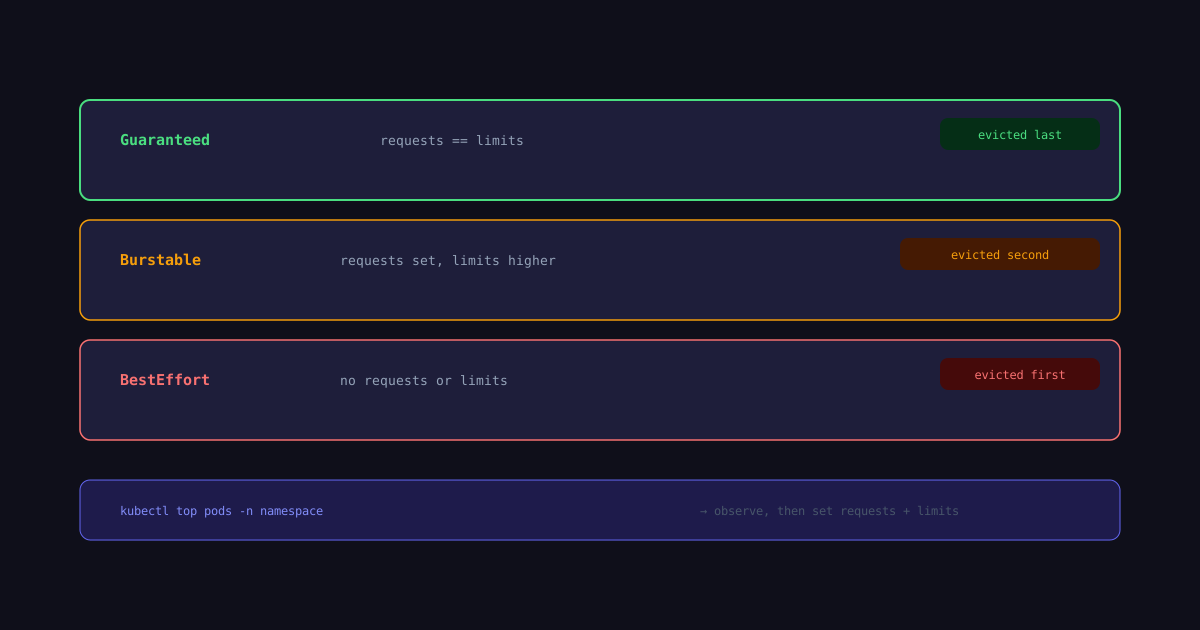
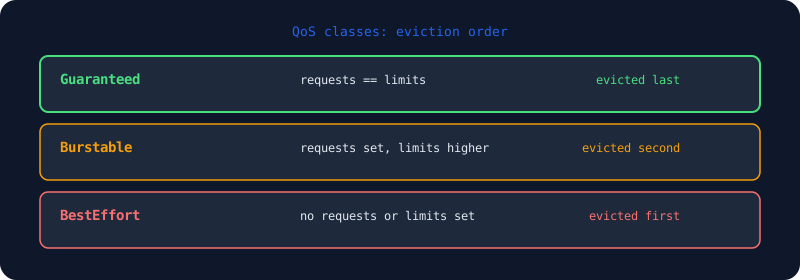
- Guaranteed: requests equal limits for all containers.
- Burstable: requests set, limits higher.
- BestEffort: no requests or limits.
Guaranteed pods are last to be evicted under memory pressure. BestEffort are first.
Namespace resource quotas
Enforce defaults across a team with a LimitRange:
apiVersion: v1
kind: LimitRange
metadata:
  name: default-limits
spec:
  limits:
    - default:
        memory: 256Mi
        cpu: 500m
      defaultRequest:
        memory: 128Mi
        cpu: 250m
      type: Container
Without this, containers with no requests get BestEffort, which means they are evicted first under memory pressure.
Keep reading
Related posts
K3s Single Node: From Zero to Publicly Accessible
Set up k3s on a single node, deploy an app, configure Ingress, DNS, and TLS — everything needed to expose a service to the internet.
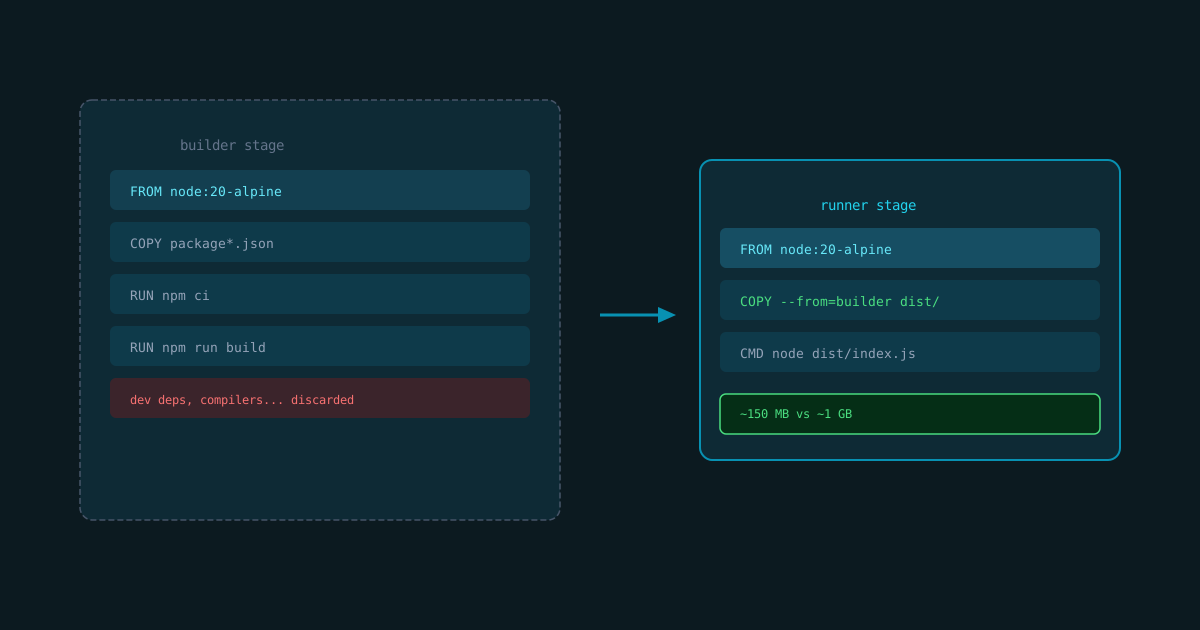
Docker Multi-Stage Builds for Smaller Images
Cut production image size with multi-stage builds — keep build tools out of the final artifact.
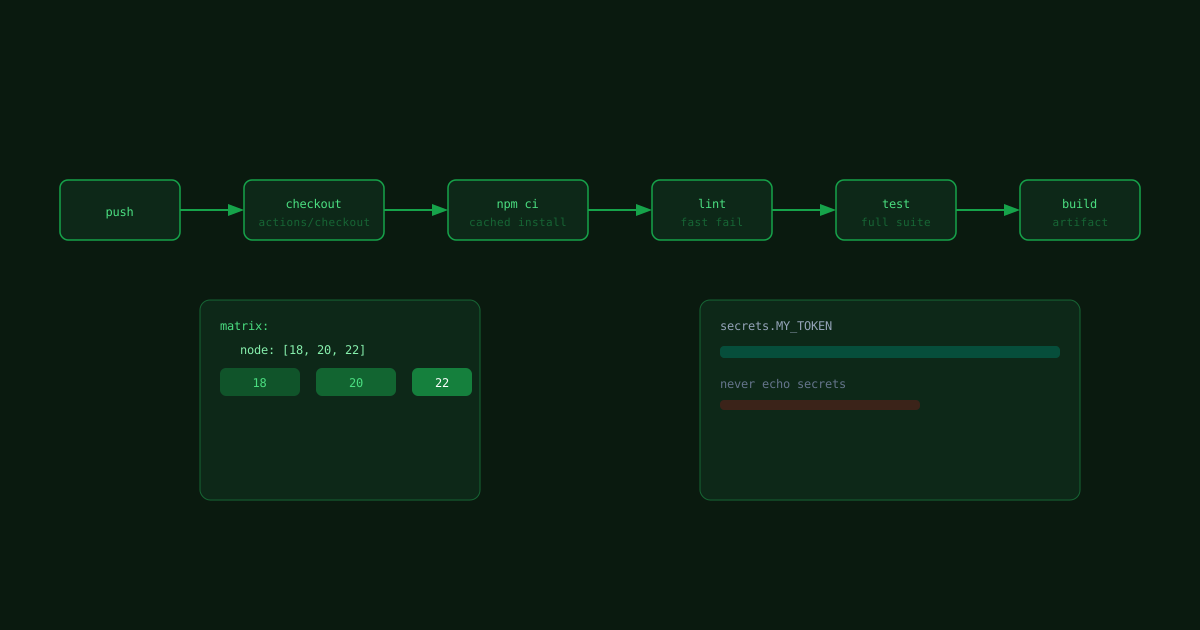
GitHub Actions CI Pipeline for Node Projects
A minimal GitHub Actions workflow that installs, tests, and builds a Node project on every push.