Docker Multi-Stage Builds for Smaller Images
Cut production image size with multi-stage builds — keep build tools out of the final artifact.
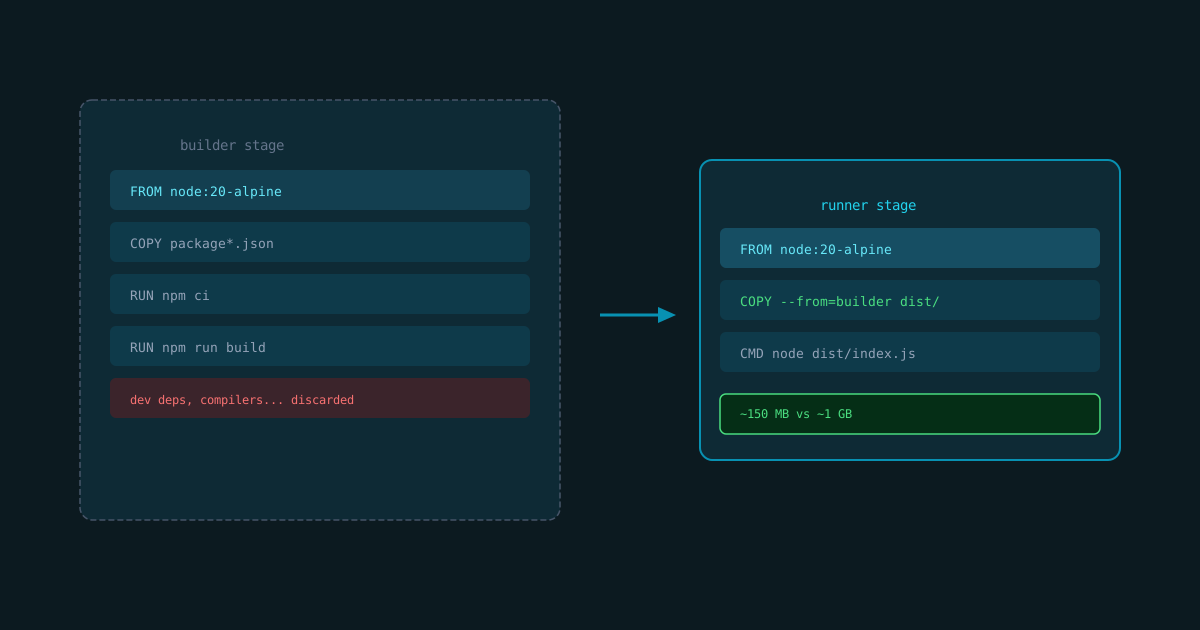
A Node app with node_modules installed for building can weigh 1 GB. The runtime needs a fraction of that.
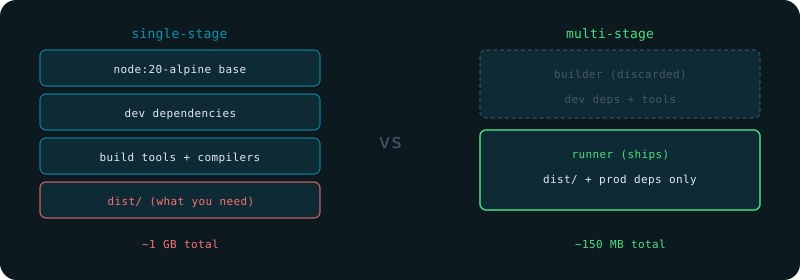
The problem with single-stage builds
Everything used to compile ends up in the image: compilers, dev dependencies, source maps, test files. Most of it does nothing at runtime.
Multi-stage basics
Use multiple FROM statements. Only the final stage ships.
# Stage 1: build
FROM node:20-alpine AS builder
WORKDIR /app
COPY package*.json ./
RUN npm ci
COPY . .
RUN npm run build

# Stage 2: runtime
FROM node:20-alpine AS runner
WORKDIR /app
ENV NODE_ENV=production
COPY --from=builder /app/dist ./dist
COPY --from=builder /app/node_modules ./node_modules
COPY package.json .
CMD ["node", "dist/index.js"]
The runner stage only contains what it needs. Build tools never reach production.
Use .dockerignore
node_modules
.git
*.log
dist
.env*
Without .dockerignore, COPY . . sends everything to the build context. Large contexts slow every build.
Pin base image versions
FROM node:20.14-alpine3.20 AS builderFloating tags (node:20) can change between builds. Pin the patch version in CI.
Measure the result
docker image ls your-appCompare before and after. Multi-stage regularly cuts 60-80% of image size on Node apps.
Keep reading
Related posts
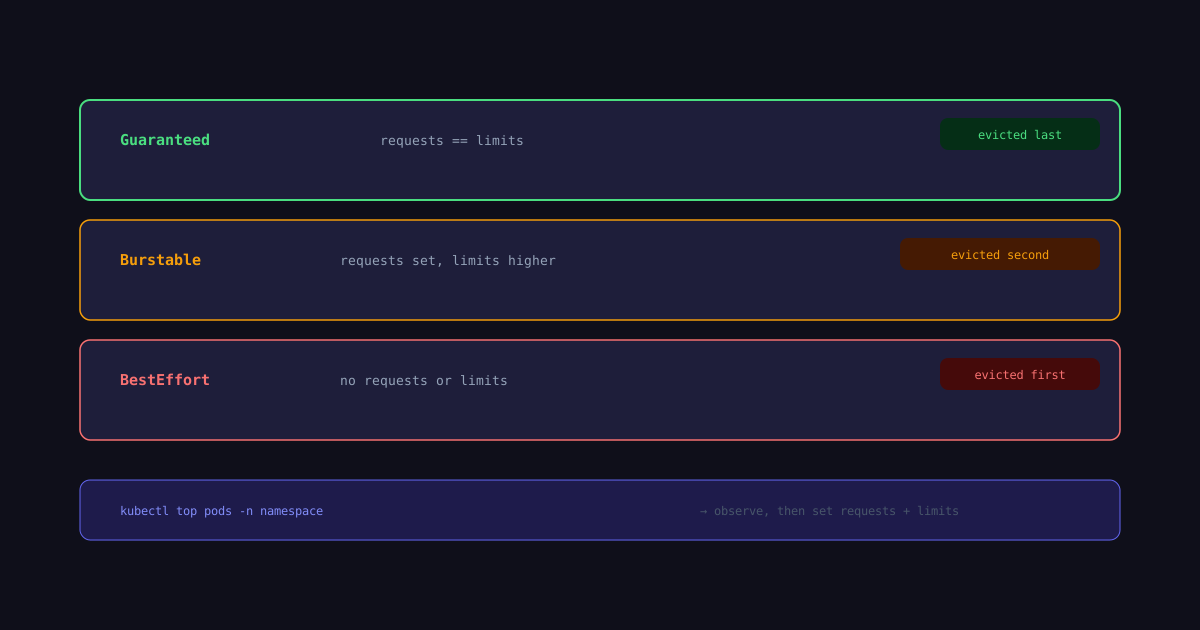
Kubernetes Resource Limits and Requests Explained
How CPU and memory requests and limits work in Kubernetes — and why wrong values cause OOMKilled and throttling.
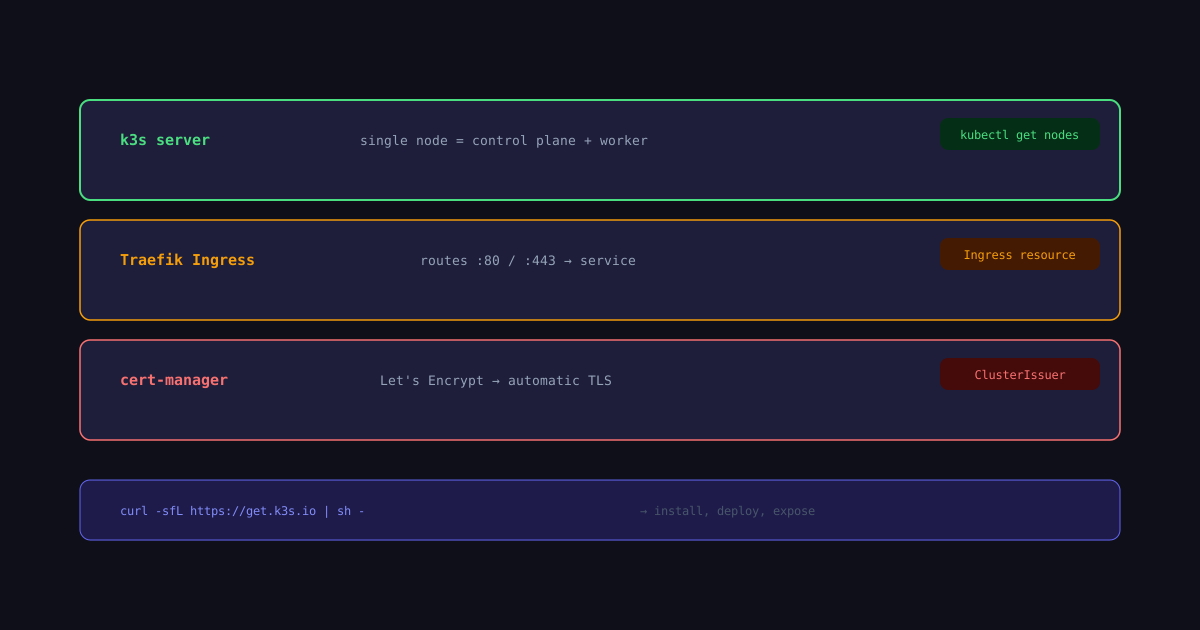
K3s Single Node: From Zero to Publicly Accessible
Set up k3s on a single node, deploy an app, configure Ingress, DNS, and TLS — everything needed to expose a service to the internet.
GitHub Actions CI Pipeline for Node Projects
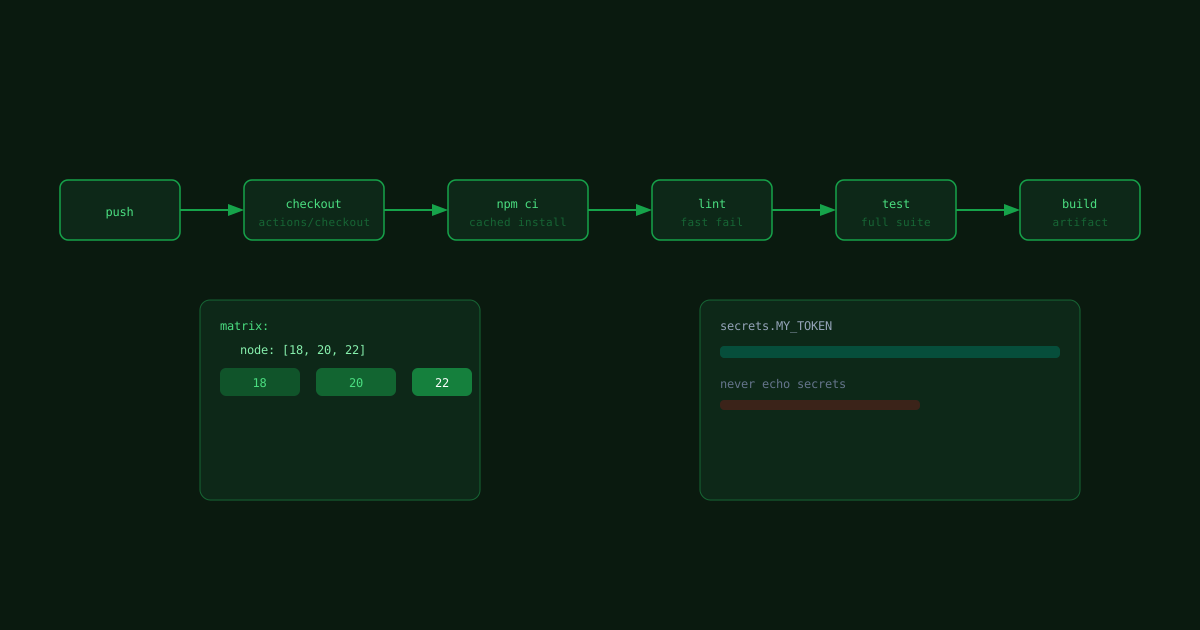
A minimal GitHub Actions workflow that installs, tests, and builds a Node project on every push.